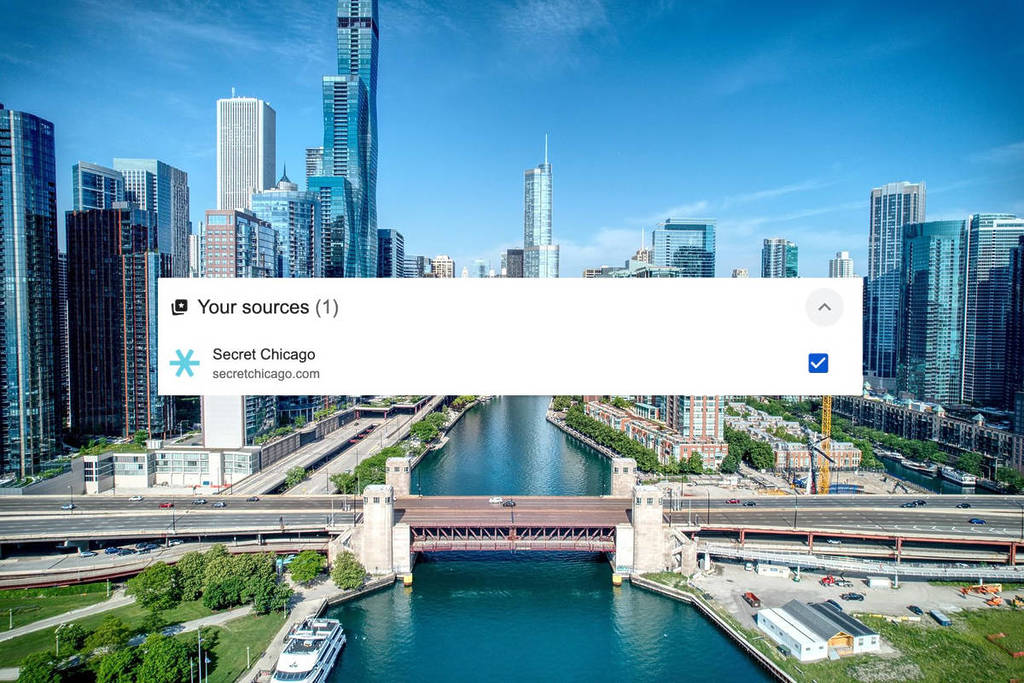
From AI Overviews to algorithm changes, our search results page is continuously changing. However, Google has introduced a new personalization feature that allows you to take control of your top stories feed.
The feature, called “preferred sources,” gives you greater control over which news outlets are shown on your Google feeds!
So if you love Secret Chicago and never want to miss out on our latest story, here’s how to add us to your “preferred sources. ”
What is a preferred source?
A preferred source can be any website or news outlet that you choose to see in Google’s Top Stories.
Once you set a preferred source, you’ll start to see more of that source’s articles in your Top Stories, as long as they have fresh and relevant content related to your interests.
This is the easiest way to ensure you’re getting trusted, hyper-local coverage without needing to search for it manually.
Why Secret Chicago should be your first choice
Here at Secret Chicago, our mission is straightforward: to keep Chicago residents informed. Our dedicated team has spent years curating a diverse range of content, including news stories, hidden gems, seasonal pop-ups, restaurant openings, and so much more.
Whether you’re seeking real-time updates or insider guides to the city, you can rely on us to keep you in the loop—just ask our 900,000+ total followers on Instagram and Facebook.
How to add Secret Chicago as a preferred source
So, you’re on board? Great! There are a few ways to add Secret Chicago as a preferred source.
The easiest way:
👉 Click this link to go directly to Google News, search for Secret Chicago, and click the check mark.
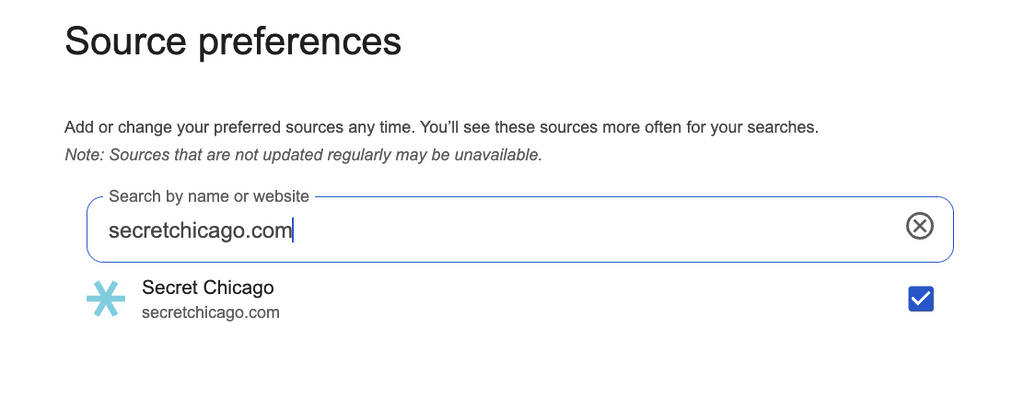
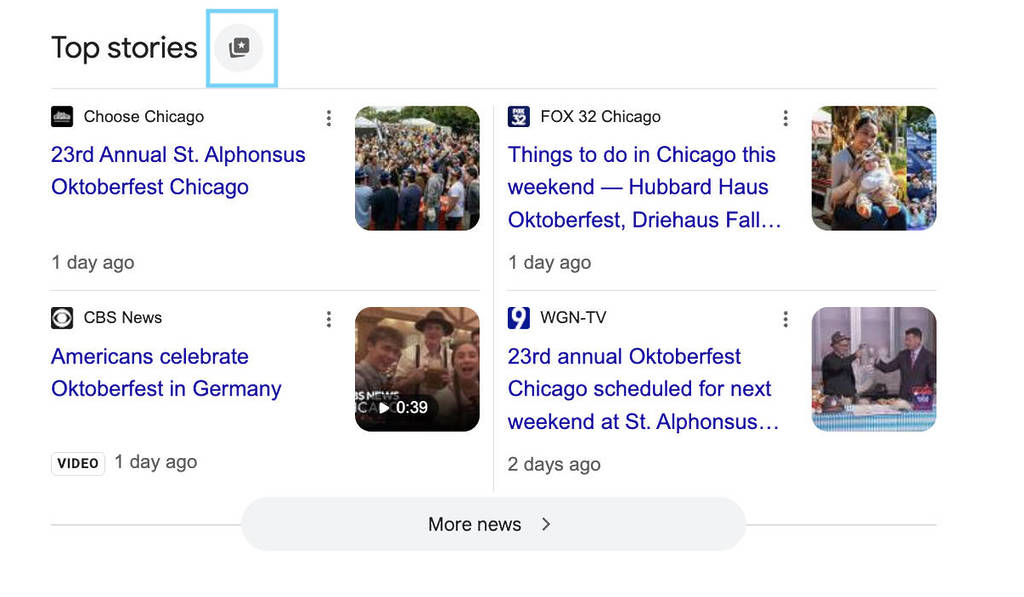
You can also add your preferred sources through Top Stories. Here’s how to do it in 4 easy steps.
- Search for any news topic on Google.
- Tap the icon to the right of Top Stories.
- Search and select your preferred sources (*wink* such as Secret Chicago)
- Refresh your results.
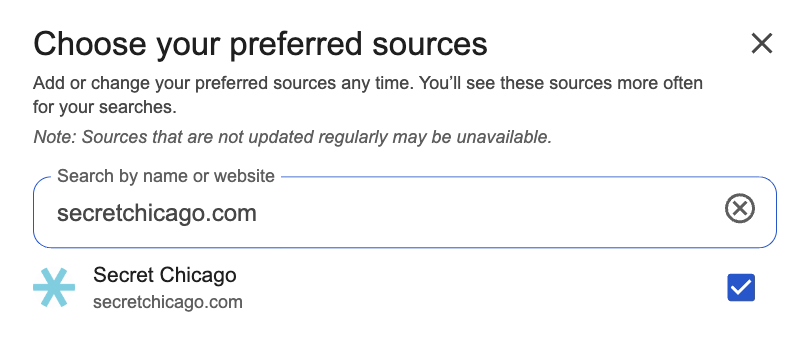
You’ll still see content from other websites, and you can edit or manage your preferred sources at any time.
What you’ll see after adding preferred sources
Once you have selected preferred sources, you will start to see more of our content appearing in your Top Stories or in a dedicated “From your sources” carousel section.
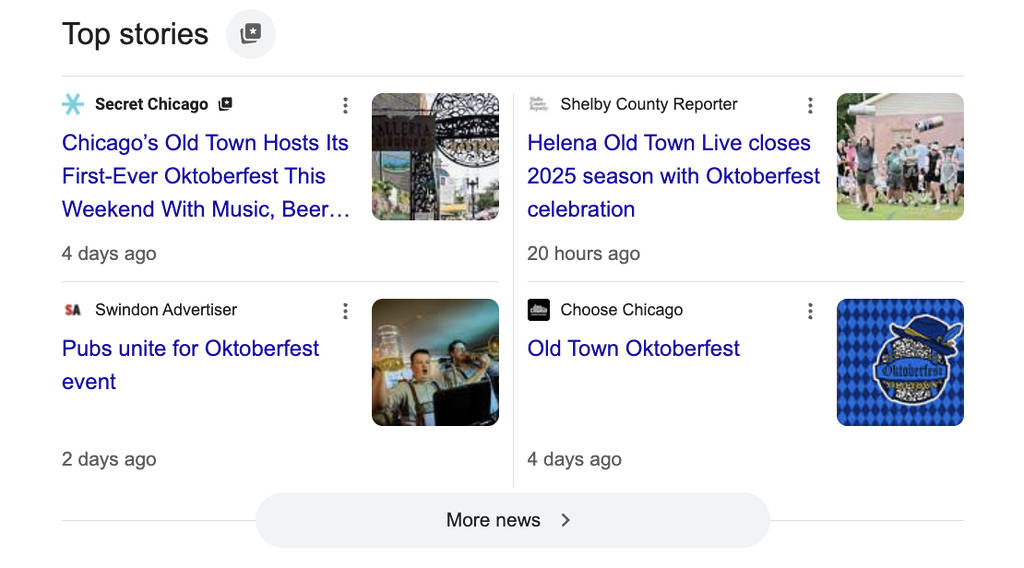
This way, you can enjoy everything happening in Chicago, right when you need it!